Typical spend apps
Endless categories and “insights” that never catch the third coffee run or the same Amazon refill.
With Pinch
Flags duplicate-type purchases so repeat patterns surface before they become the default.
iOS · On-device spend
Pinch watches for duplicate-type purchases, reads Amazon order emails for real purchase context, and turns a spending-reduction goal into small tips—so you can save without rewriting your life.
Monthly spend
$2,480
May 1 – May 31 · This month
Duplicate pattern
Coffee again this week — third similar purchase since Monday.
Where your money went
All data stays on your device
LOCAL All data stays on your device
Why Pinch
Typical spend apps
Endless categories and “insights” that never catch the third coffee run or the same Amazon refill.
With Pinch
Flags duplicate-type purchases so repeat patterns surface before they become the default.
Bank lines only
“AMAZON.COM” tells you almost nothing about what you actually bought.
With Pinch
Scans Amazon order emails for purchase analysis—then turns that into tips to reduce spending.
Harsh budgets
Goals that demand a whole new lifestyle—or shame you when you miss them.
With Pinch
Set a spending-reduction goal; Pinch suggests ways to meet it with minimal lifestyle changes.
Product
Sign in on Supabase, unlock on device if you choose, then clarity, context, and a gentle next step.
01 · UNLOCK
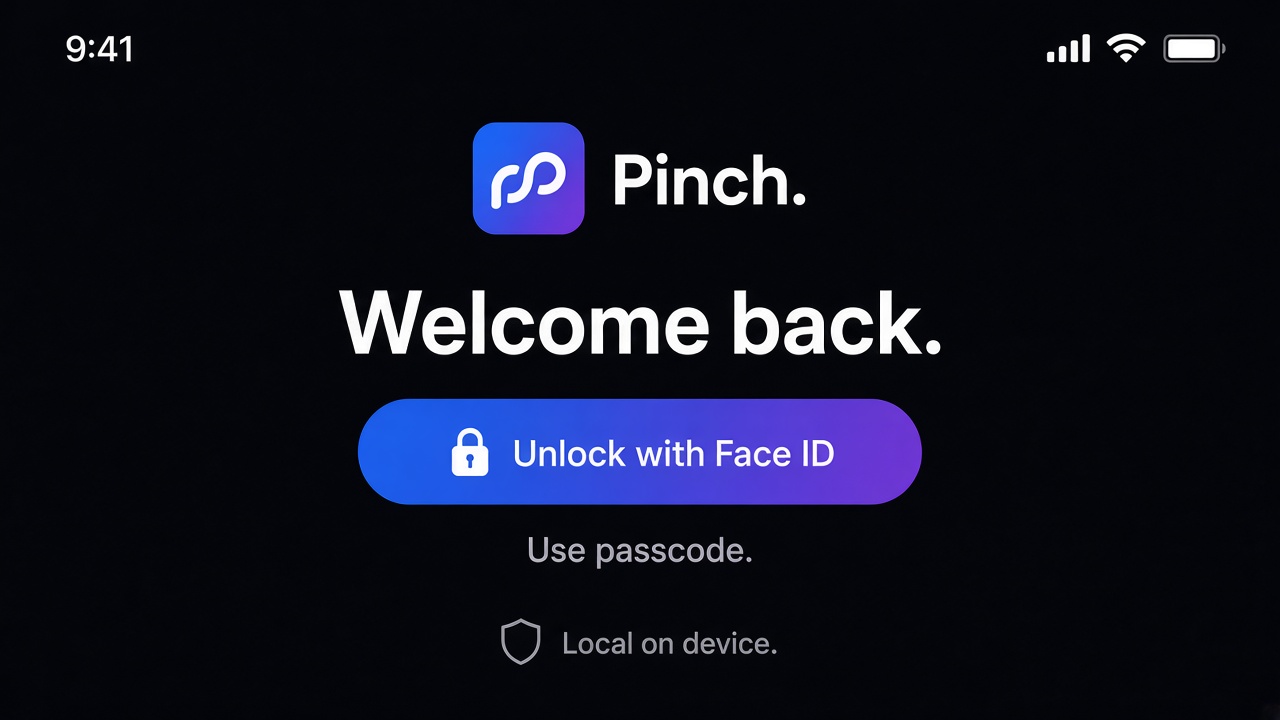
Account auth is Apple, passkey, or email/password on Supabase MultiProject, with required MFA for the product (live MFA enforcement pending while the app is a mock). Face ID (or passcode) can re-lock the app after login before spend UI or Plaid Link.
02 · HOME
Monthly spend and where money went, plus quiet flags when the same kind of purchase keeps showing up. Privacy stays in the chrome: data on your device.
Monthly spend
$2,480
Duplicate pattern
Coffee again this week — third similar purchase since Monday.
03 · ACTIVITY
Pinch scans Amazon order emails so Activity can show what you bought—not just a bank descriptor. That purchase analysis feeds smarter tips to cut back.
Activity
Today · May 20
Amazon.com
From Amazon emailBlue Bottle Coffee
Duplicate-typeWhole Foods Market
04 · GOALS & TIPS
Set a reduction goal. Pinch suggests low-friction moves from duplicates and Amazon patterns—skip a repeat, delay a refill, tweak one category.
Reduce spending
May goal
Trim $120
On track with small changes
Ways to meet it
Goals
You set how much you want to pinch. Pinch suggests low-friction ways to get there—not a full lifestyle overhaul.
Step 1
Choose a spending-reduction target for the month—or a quieter weekly rhythm. You stay in control of the number.
Step 2
Duplicate-type buys and Amazon order patterns become concrete levers—not vague “spend less” advice.
Step 3
Suggestions prioritize minimal lifestyle change: skip a repeat, delay a refill, tweak one category—enough to move the goal.
Access
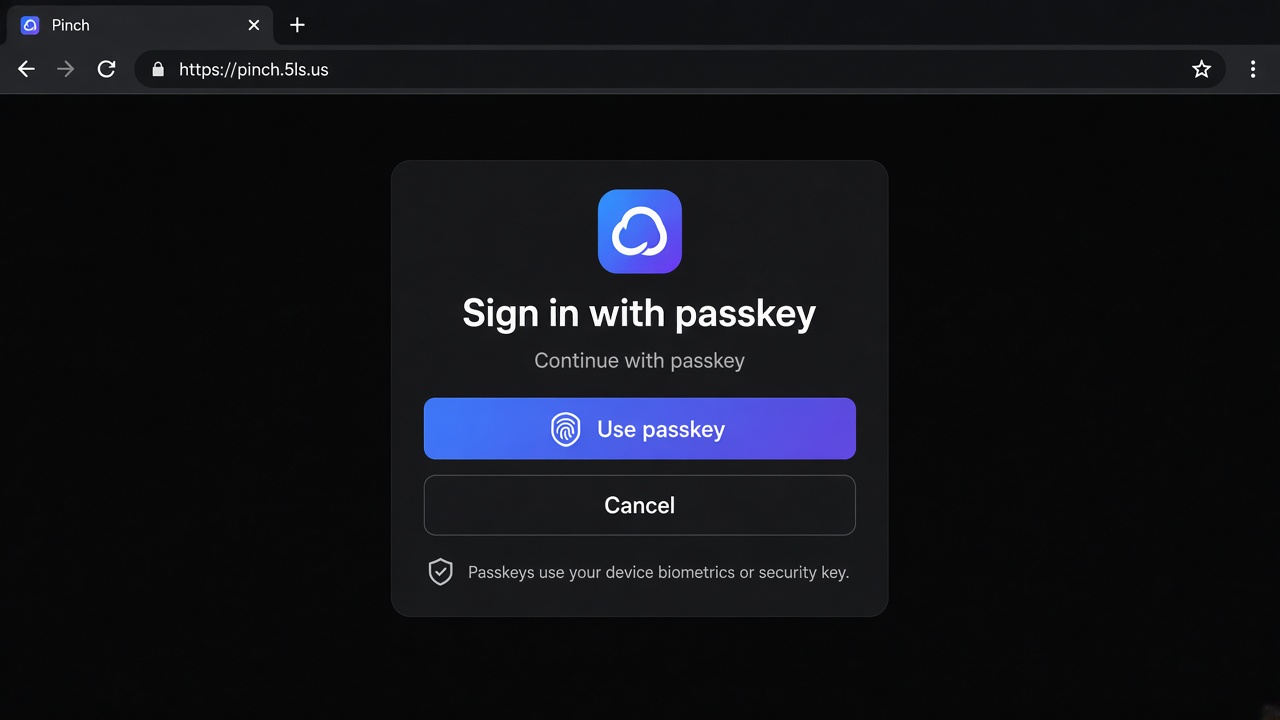
Pinch runs on Supabase MultiProject (not local-only). Consumers sign in with Sign in with Apple, passkeys via Supabase, or email/password, with required MFA for the product (MultiProject MFA enforcement pending while the app is a mock). After login, the iPhone app can still use Face ID / passcode as a device unlock before sensitive spend UI or Plaid Link. The passkey mock below illustrates account auth—not a claim that browsing this marketing site requires a passkey.
iOS app · after login
Optional lock after an authenticated Supabase session—not the account sign-in method.
Supabase Auth
Consumer passkeys via Supabase MultiProject (alongside Apple and email/password; required MFA for product—enforcement pending while mock). Marketing site browsing stays public.
Privacy
Pinch is designed so your day-to-day money picture lives on your iPhone. This site stays honest: duplicates, Amazon email analysis, goals and tips—no invented metrics, ratings, or download counts.
We’re preparing the iOS release. The link will land here when it’s ready.
App Store link TBD